
Smart Stands (QR + NFC)
Countertop Smart Stands (QR + NFC)
The Easiest Way to Capture Reviews and Repeat Customers at Checkout
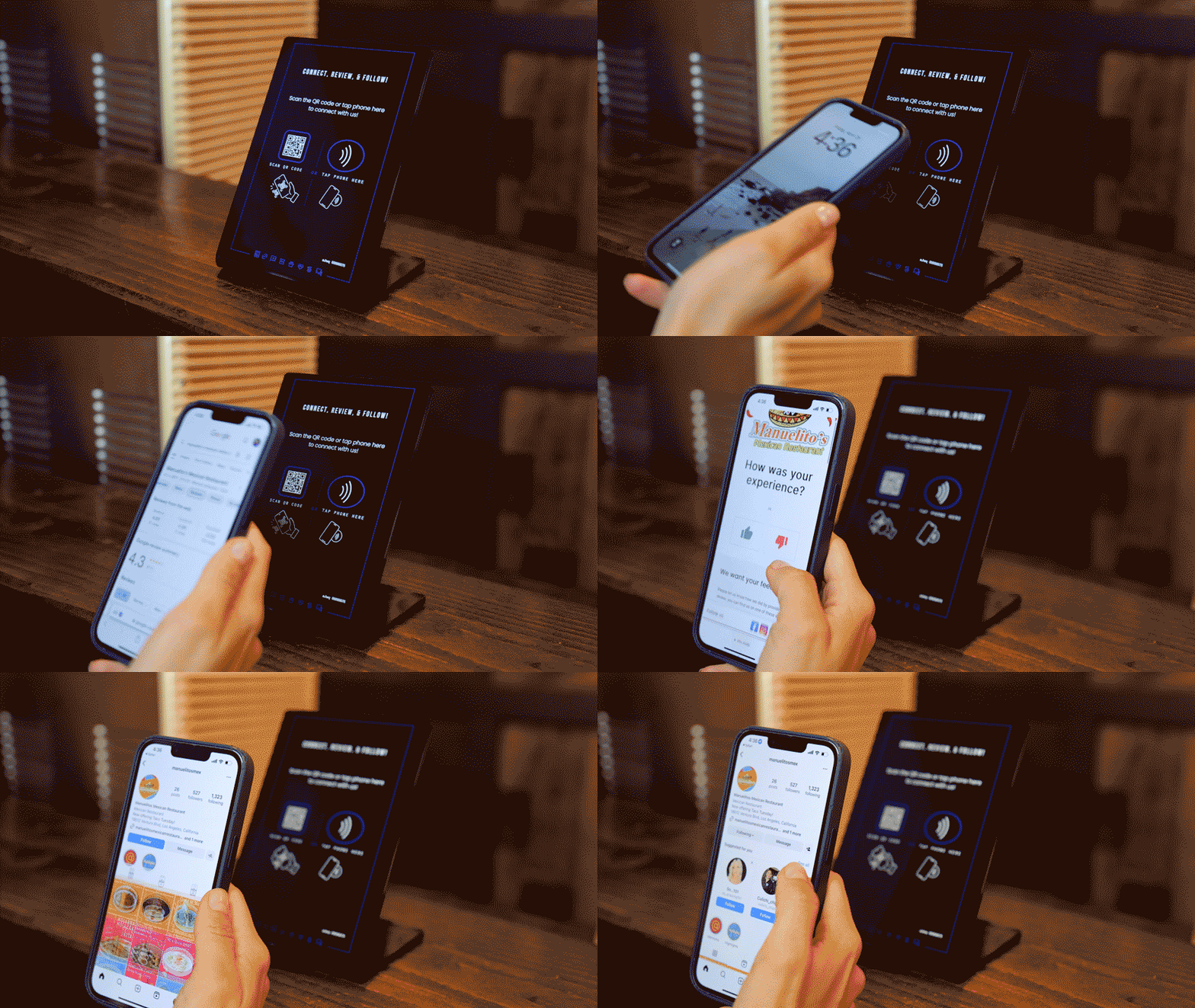
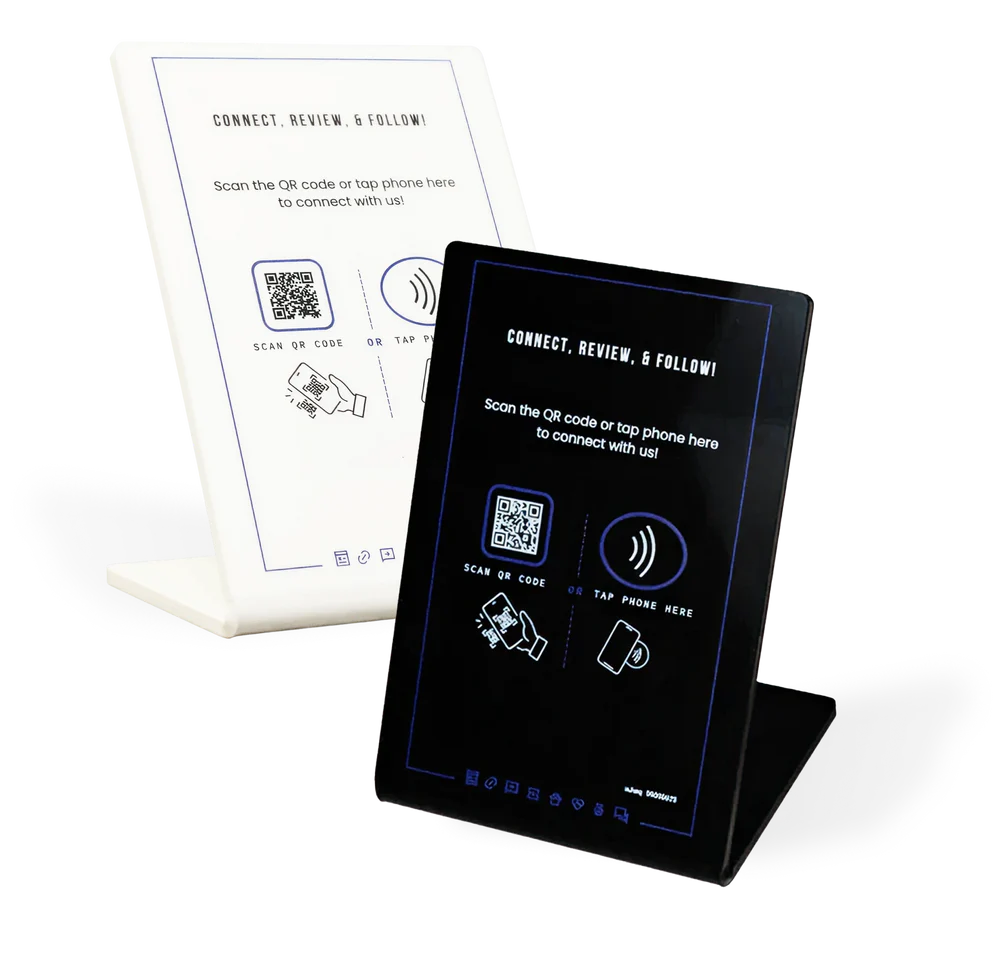
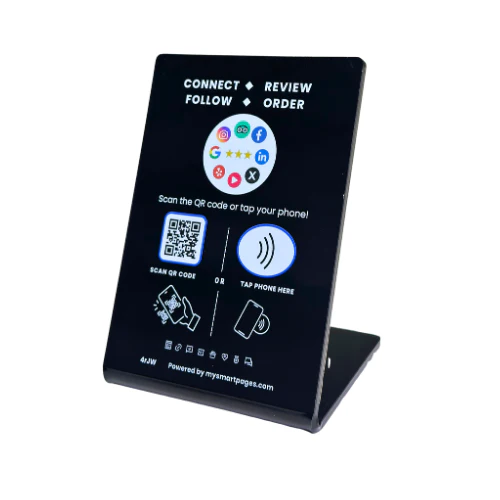
ClearLine Smart Stands sit directly on your counter and turn every checkout into a customer action, whether it’s leaving a review, joining your promo list, or claiming an offer.
No explanation needed. No staff involvement required.
Customers simply tap or scan and take action in seconds.
- Capture reviews consistently
- No staff involvement required
- Customers tap or scan and take action in seconds
- Multiple marketing actions in one
- Increase repeat visits without extra effort
If you use only one device in your store, this is the one.
The Smart Stand is built specifically for checkout interaction — the moment when customers are most likely to engage.
Because it captures customers at the most important moment:
Right after purchase
When satisfaction is highest
When customers are still engaged
Generates engagement without slowing down staff.
Place the Smart Stand at your counter or checkout.
Customer taps or scans (QR or NFC).
Smart Page opens instantly.
Customer takes action.
At checkout, collect reviews while the experience is fresh, increase your Google rating and visibility, and capture customer contact details effortlessly.
After payment, offer incentives for repeat visits, turn one-time customers into returning customers, and keep your business top-of-mind.
Without changing your workflow, add engagement with no extra steps for staff, no interruption at checkout, and no training required.
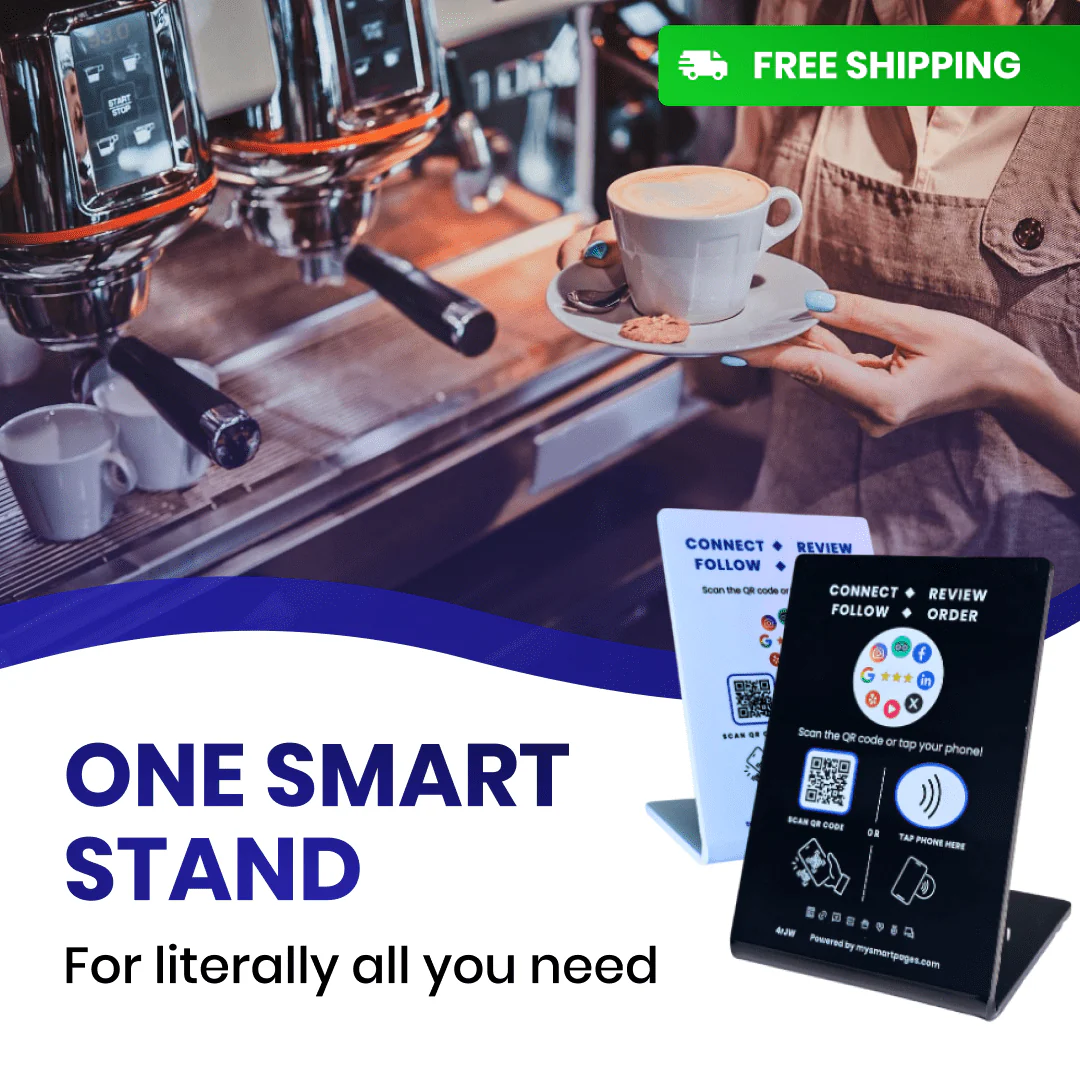
Customer pays → sees Smart Stand → taps phone → leaves a review → receives offer → returns later
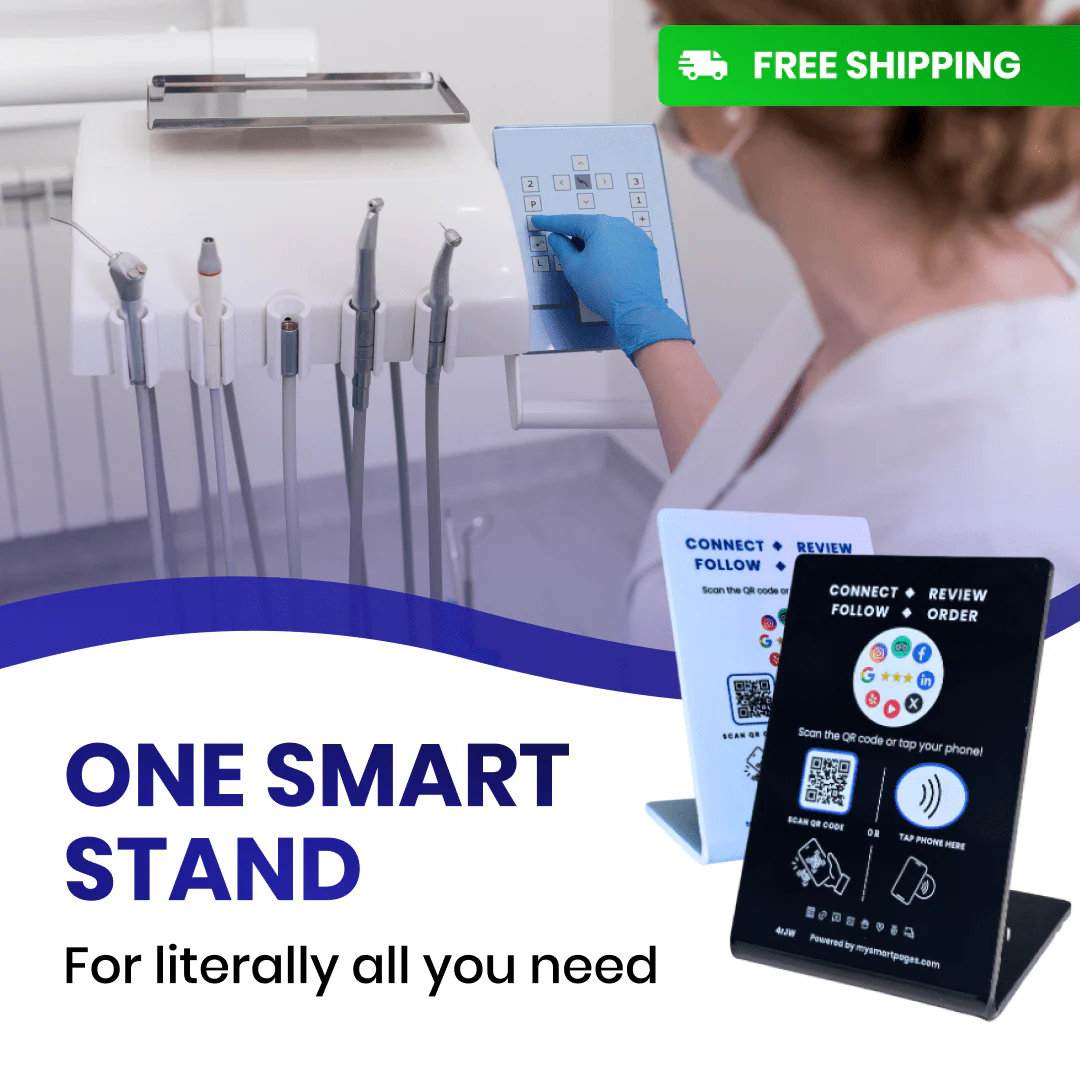
Client finishes appointment → taps stand
→ books next visit or leaves a review
Customer picks up order → taps stand → joins promo list → receives future offers
Combine Smart Stands with Other Devices
For stronger results:
- Add stickers to capture customers across the store
- Add a tablet to guide deeper interaction
- Add a phone tag for mobile engagement
The Simplest Way to Start
If you’re unsure where to begin, start with a Smart Stand.
It requires no setup complexity and delivers immediate results at checkout — where every customer already stops.
Start Capturing More Reviews and Repeat Visits
Place a Smart Stand on your counter and turn every transaction into a new opportunity.
If you’re unsure where to begin, start with a Smart Stand.
It requires no setup complexity and delivers immediate results at checkout — where every customer already stops.
Start Capturing More Reviews and Repeat Visits
Place a Smart Stand on your counter and turn every transaction into a new opportunity.
ClearLine Smart Stands sit directly on your counter and turn every checkout into a customer action, whether it’s leaving a review, joining your promo list, or claiming an offer.
Customers simply tap or scan and take action in seconds. Customer taps or scans (QR or NFC), Smart Page opens instantly, and customer takes action.
The Smart Stand is built specifically for checkout interaction — the moment when customers are most likely to engage. It captures customers at the most important moment: right after purchase, when satisfaction is highest, when customers are still engaged.
No explanation needed. No staff involvement required. No extra steps for staff. No interruption at checkout. No training required.
Customers can leave a Google review, join your email or SMS list, or claim an offer for their next visit.
Get the latest insights on in-store marketing, POS integration, and ClearLine updates.