
POS Customer Display
Capture Customer Action at the Exact Moment Checkout Ends
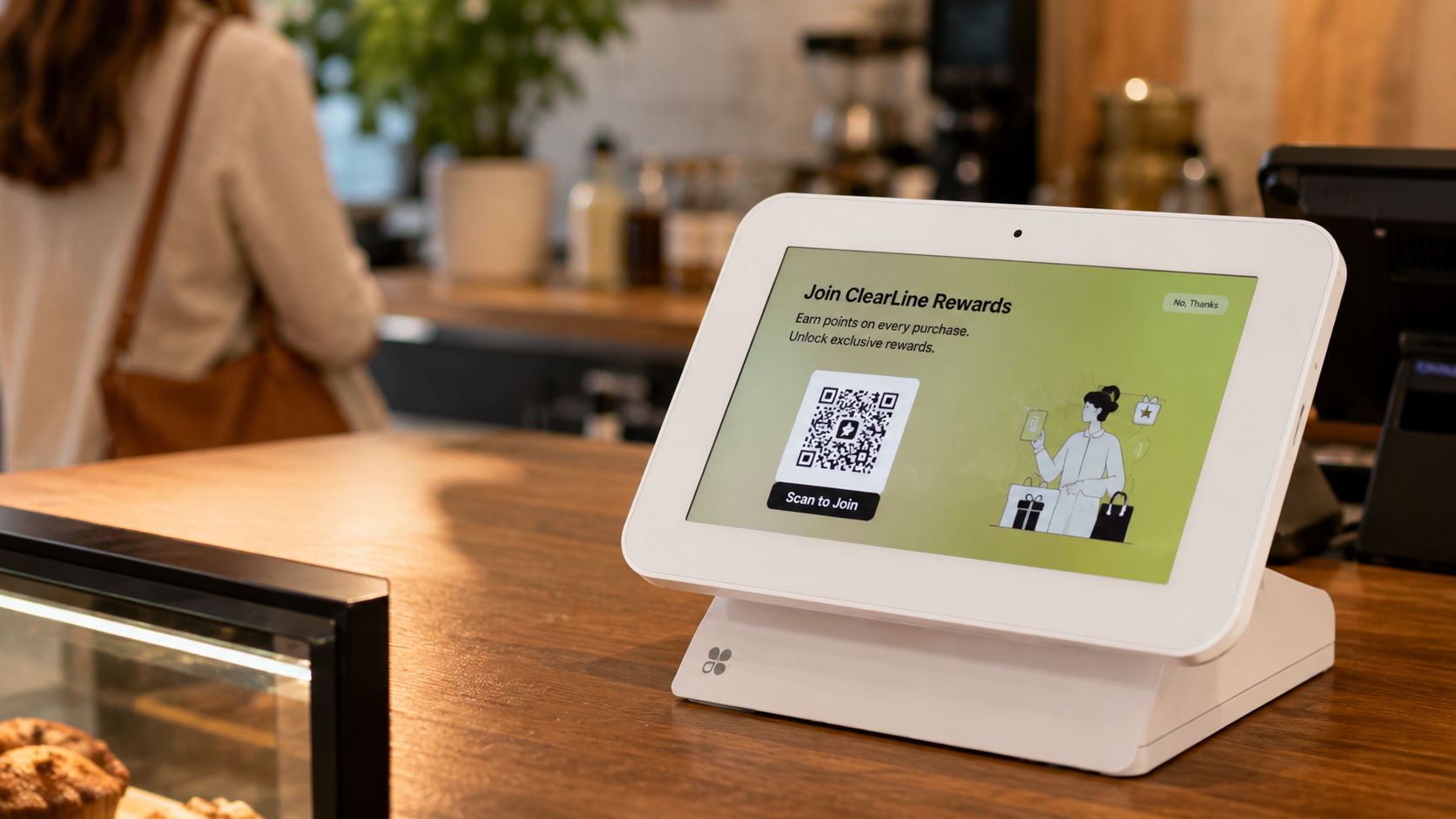
The POS Customer Display is installed directly inside your POS system and activates immediately after a transaction is completed.
It turns your customer-facing POS screen into a controlled, automatic engagement point without requiring any additional hardware or staff interaction.
- Ask for reviews when customer satisfaction is highest
- Capture customer contact details while attention is still present
- Deliver a follow-up offer before the customer leaves
- Ensure every completed transaction triggers an action
- Standardise customer engagement across all locations
This is the only ClearLine solution that runs inside your POS system, triggers automatically after checkout is completed, and uses the POS customer display screen, not the payment terminal.
It is not dependent on customer initiative, placement, or timing.
It is tied directly to the transaction event.
The end of checkout is the highest-attention moment in the entire in-store journey.
The transaction is complete, the customer is still present, and the interaction is fresh.
The POS Customer Display fits environments where a customer-facing display already exists, transactions are processed continuously, and staff cannot manage manual engagement.
It works passively in the background, without slowing operations.
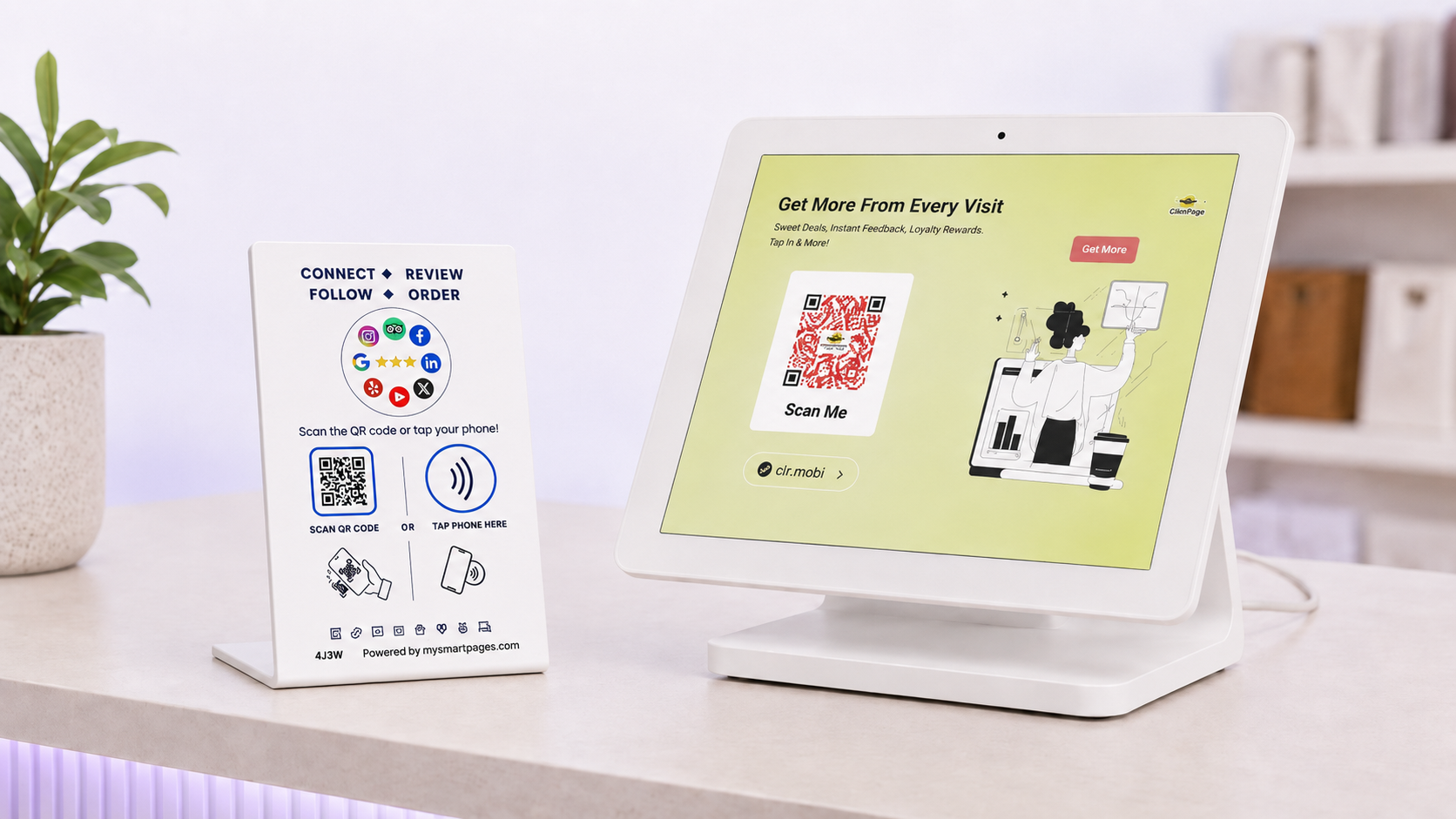
The end of checkout is the highest-attention moment in the entire in-store journey. The transaction is complete, the customer is still present, and the interaction is fresh.
The POS Customer Display App automatically triggers on the customer-facing screen after checkout is completed. A single call-to-action is displayed, the customer scans or follows the prompt, and the customer completes the action instantly.
Typical use cases include collecting Google reviews immediately after checkout, capturing customer emails or phone numbers, offering a return incentive or promotion, and driving customers to a specific page or action.
Customer completes purchase → prompt appears on POS screen → scans → leaves a review → receives incentive.
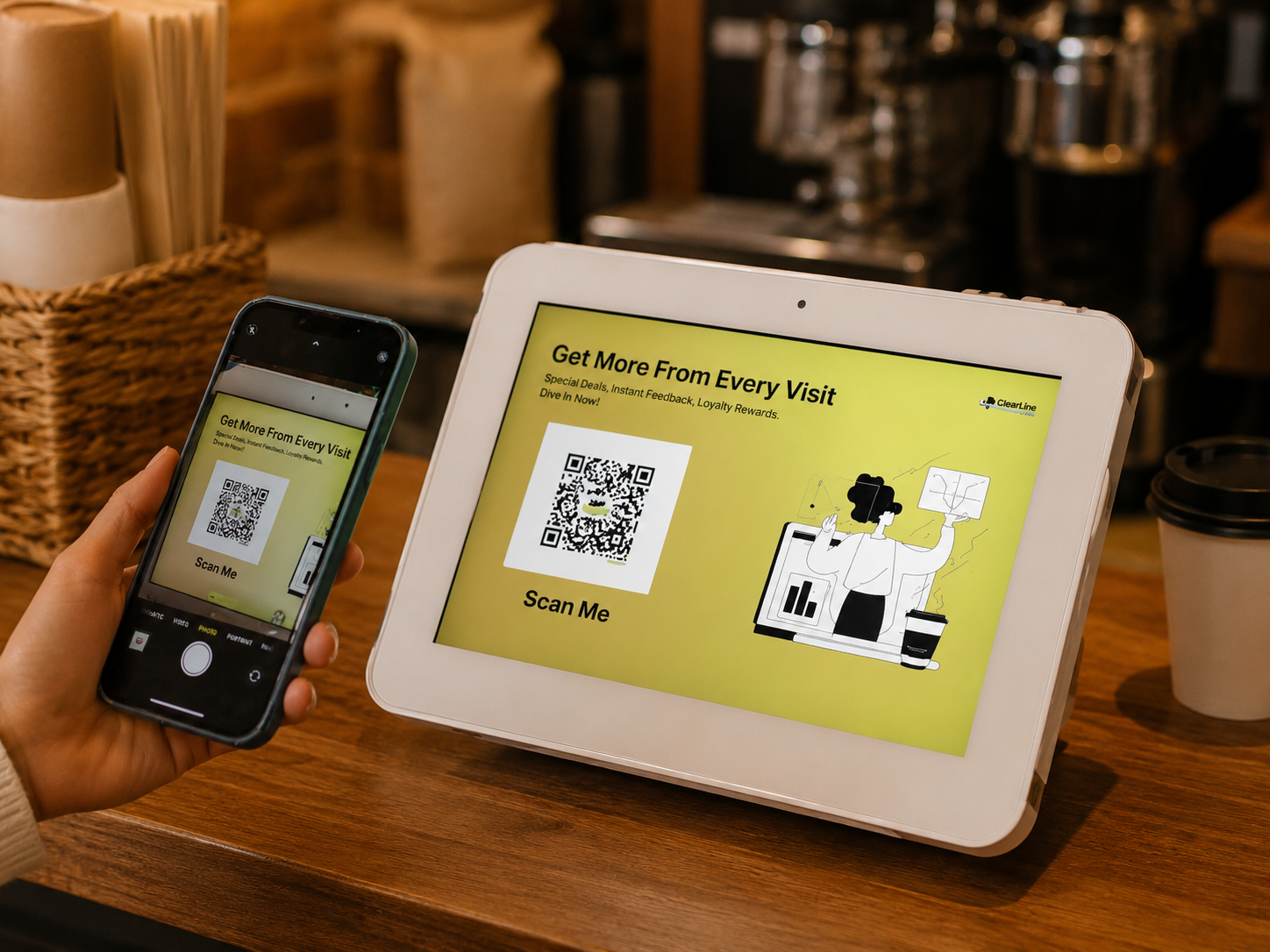
The POS Customer Display App uses your existing customer-facing display and requires no change to checkout operations.
It is not dependent on customer initiative, placement, or timing. It is tied directly to the transaction event and ensures every completed transaction triggers an action.
All actions are configured and controlled centrally. You decide when and how the app appears, trigger after every transaction or specific conditions, display one focused message at a time, schedule campaigns with start and end dates, and control behaviour by location or terminal.
Payment finalised → QR displayed on screen → scans → joins promo list → receives future offers.
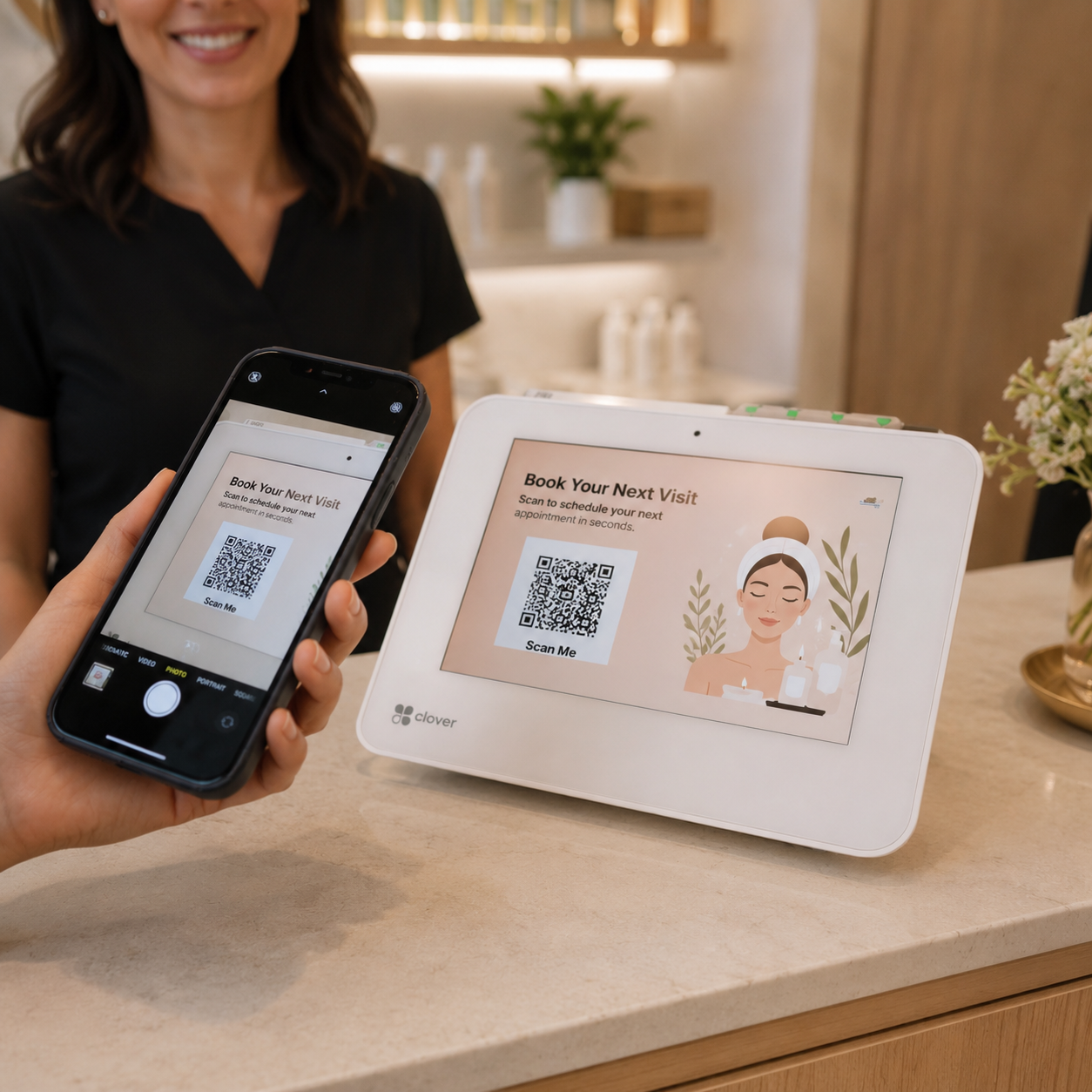
The POS screen captures attention. The destination completes the action.
Every interaction routes customers to a destination you define: Smart Page, review platform, booking tool, offer or promotion page.
Use the POS Customer Display App when you have a customer-facing POS screen, want engagement tied strictly to completed transactions, and need a fully automatic, zero-effort interaction point.
Checkout completed → prompt appears → scans → books next appointment immediately.
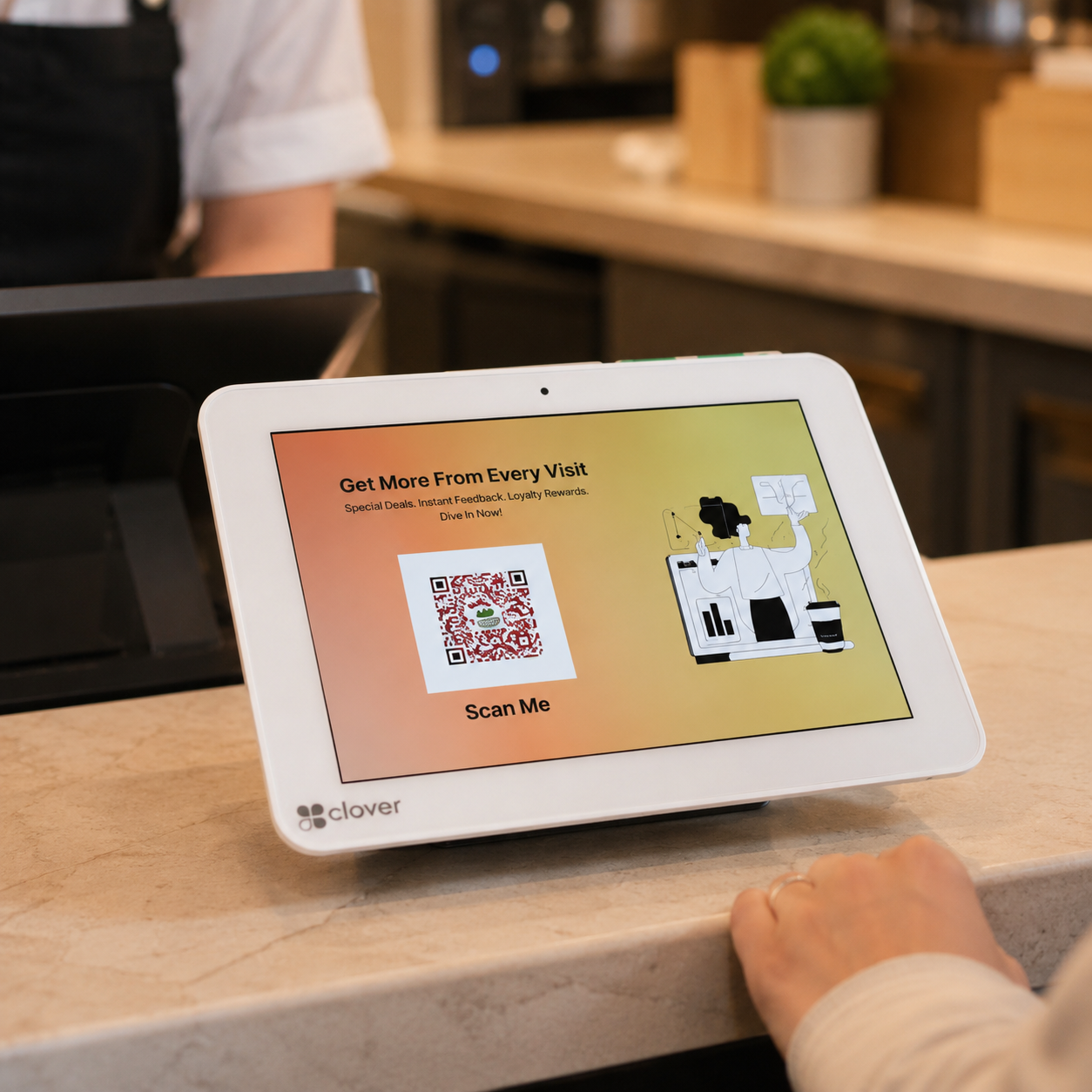
The POS Customer Display is best for screen-based checkout environments.
The app runs inside your POS system, triggers automatically after checkout is completed, and uses the POS customer display screen, not the payment terminal.
Unlike external tools POS Customer Display does not depend on staff prompting. It is part of the checkout flow itself.
For broader coverage across the customer journey, combine POS Customer Display with Payment Terminal App, Smart Stands, and Stickers.
This is the only ClearLine solution that runs inside your POS system, triggers automatically after checkout is completed, and uses the POS customer display screen, not the payment terminal.
It is not dependent on customer initiative, placement, or timing.
It is tied directly to the transaction event.
Transaction is completed in your POS system.
The app automatically triggers on the customer-facing screen.
A single call-to-action is displayed.
Customer scans or follows the prompt.
Customer completes the action instantly.
All actions are configured and controlled centrally.
Typical use cases include collecting Google reviews immediately after checkout, capturing customer emails or phone numbers, offering a return incentive or promotion, and driving customers to a specific page or action.
Get the latest insights on in-store marketing, POS integration, and ClearLine updates.