
Customer-Facing Screen
Customer Facing Screen is a tablet or another internet connected screen that your customers see at your business location. It’s an amazing tool for POS marketing. When used efficiently, they enhance the checkout experience and help increase customer loyalty.
ClearLine CFS combines a point-of-sale system marketing screen and digital signage to provide your customers with the opportunity to engage and interact with your brand.
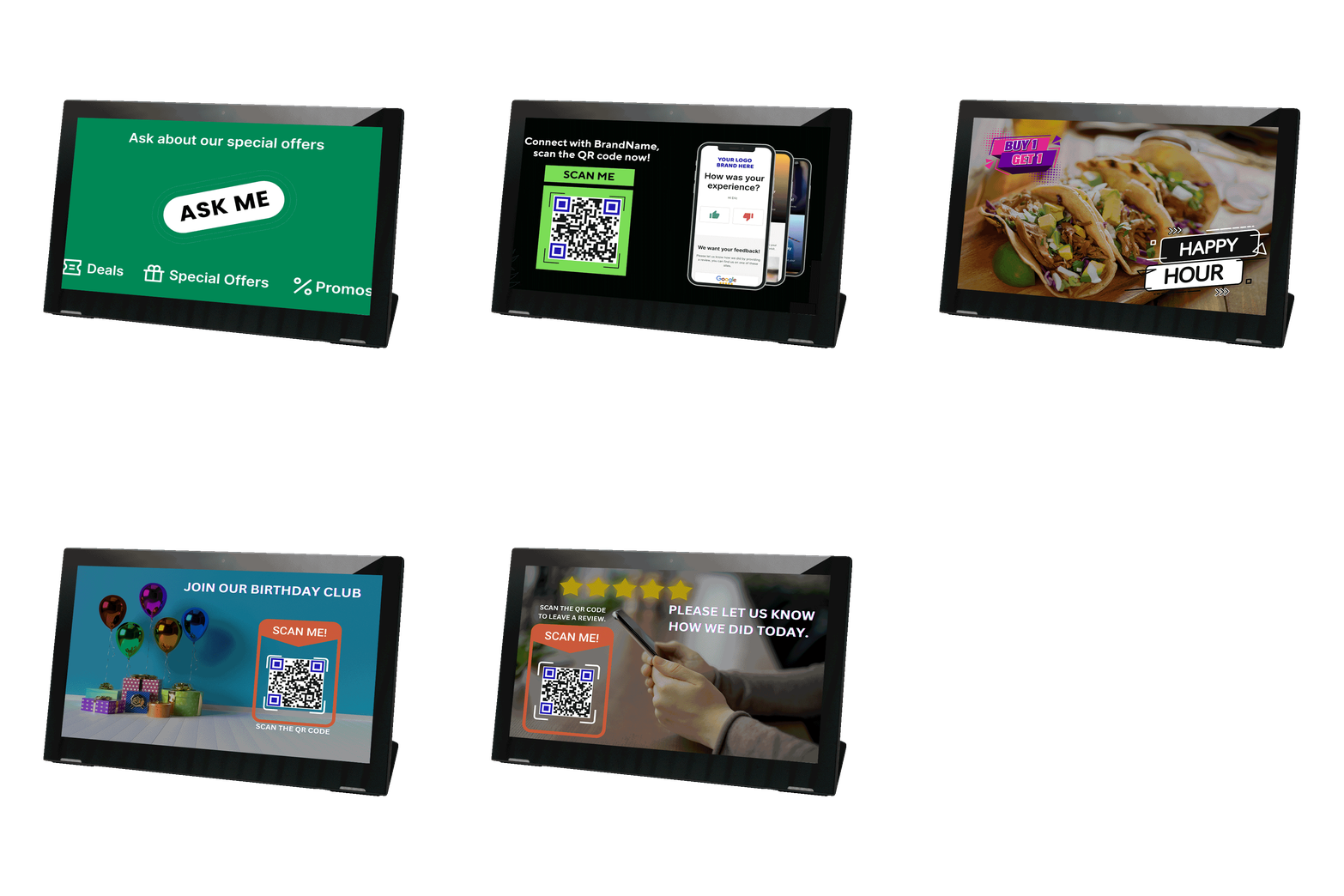
- Engage with your brand quickly
- Use the time clients spend in a line
- Simple user-interface
- Interactive
- Can integrate third-party services
Display important information to your customers with an interactive screen. Advertise your services, and let customers scan the QR codes to perform marketing actions.
Stay ahead of the competition, as the QR code usage statistics in 2022 show a 443% scan increase! The number of US smartphone users scanning a QR code will increase up to 99.5 million in 2025.
80% of brands that use digital signage record an increase in sales of up to 33%!
Clearline can now provide its clients with a set of devices configured to be used with the Clearline Marketing Center. A set consists of one employee tablet, one customer tablet, a rotating platform for the customer tablet, and a scanner.
Here we’ll focus on how a CFS contributes to the inbound and the outbound marketing strategy.
So let’s see how to create effective ads that lure your clients – and make them stay. Hint: this has a lot to do with using QRs in your CFS ads.
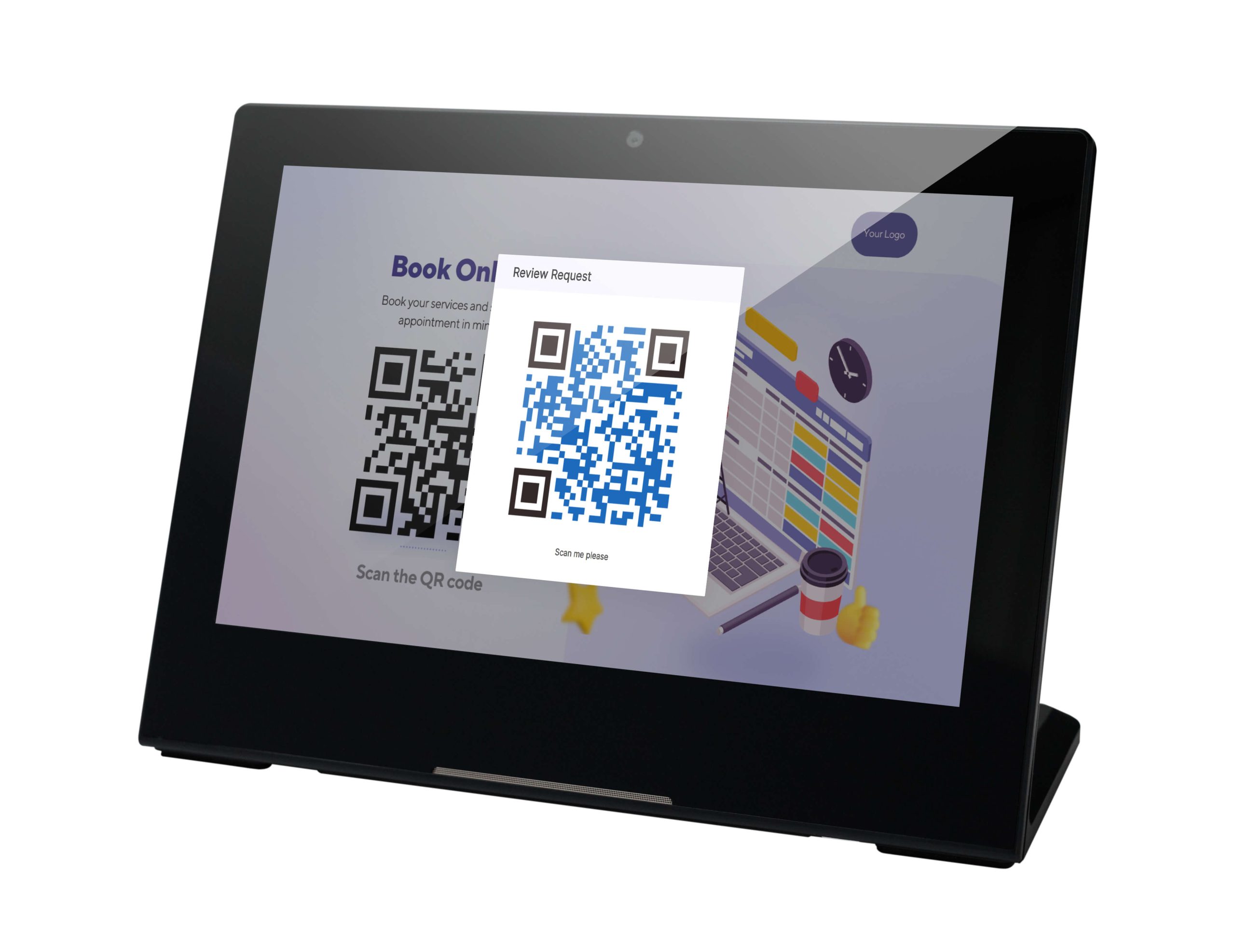
Use the Inbound Marketing to display QR codes to all customers in your location (who are physically near your location/place).
Put QRs on your printed materials, locate them in public places with tons of foot traffic – and watch the statistics of public interaction with your ads.
ClearLine gives you the option to display your offers and marketing content with QR codes on the Customer Facing Screen. Your customers will be able to select the most exciting offer and instantly get it by scanning a QR code.
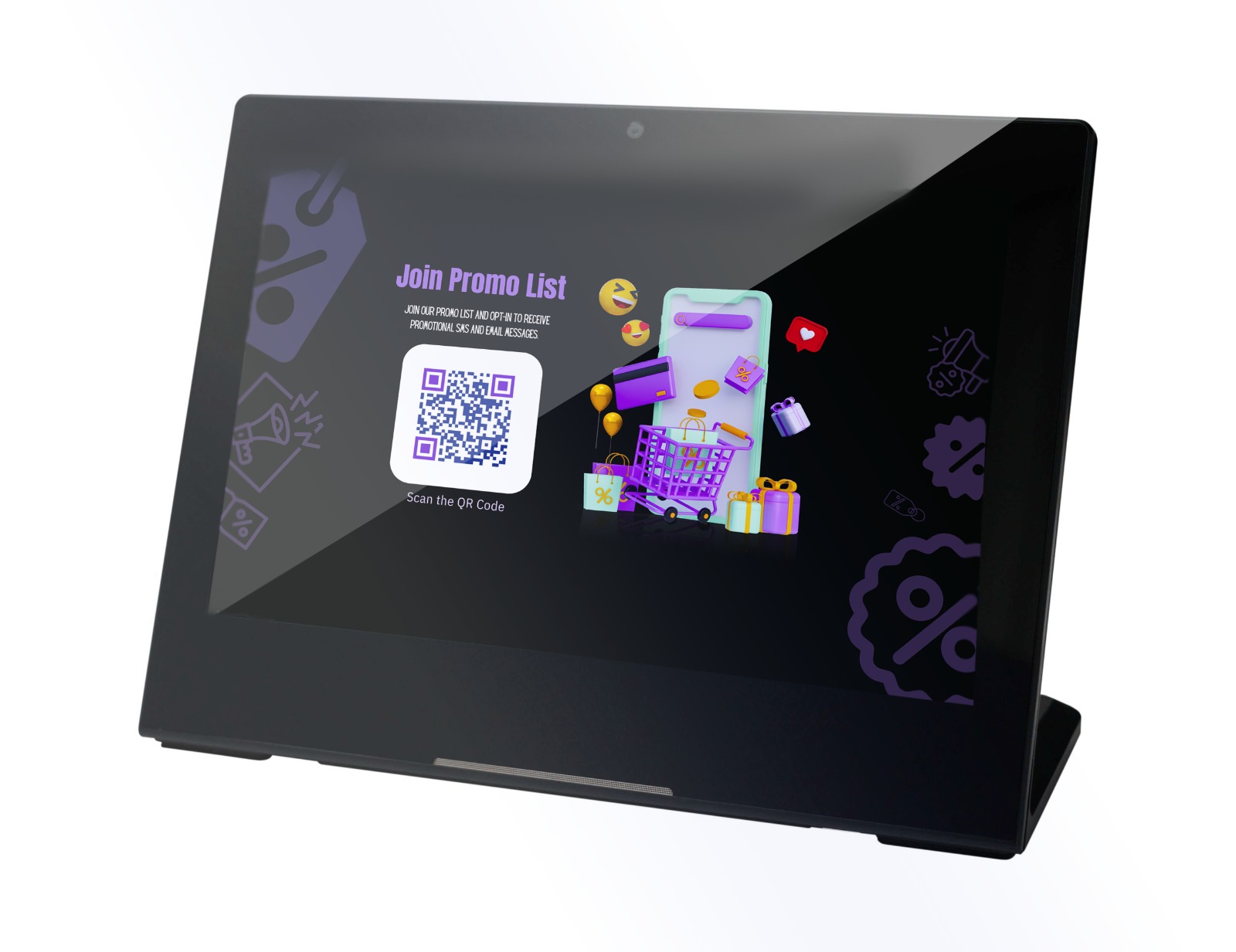
When a customer makes a purchase at your business, you can offer them the join your loyalty program in one quick scan of a QR. Or to enjoy a deal you’re only willing to give to the paying customers.
To set up any of the above, use ClearLine Marketing Center Dashboard. Choose the app that serves you the most (digital coupons and loyalty program to name a few).Then add the generated QR to the templates displayed on your customer facing screen – or don’t and keep your offers exclusive.
Now a QR code will be shown on your Customer Facing Screen whenever you press ‘Show QR Code’ on any of your devices. Show the QR code to your customers, and they will scan it.
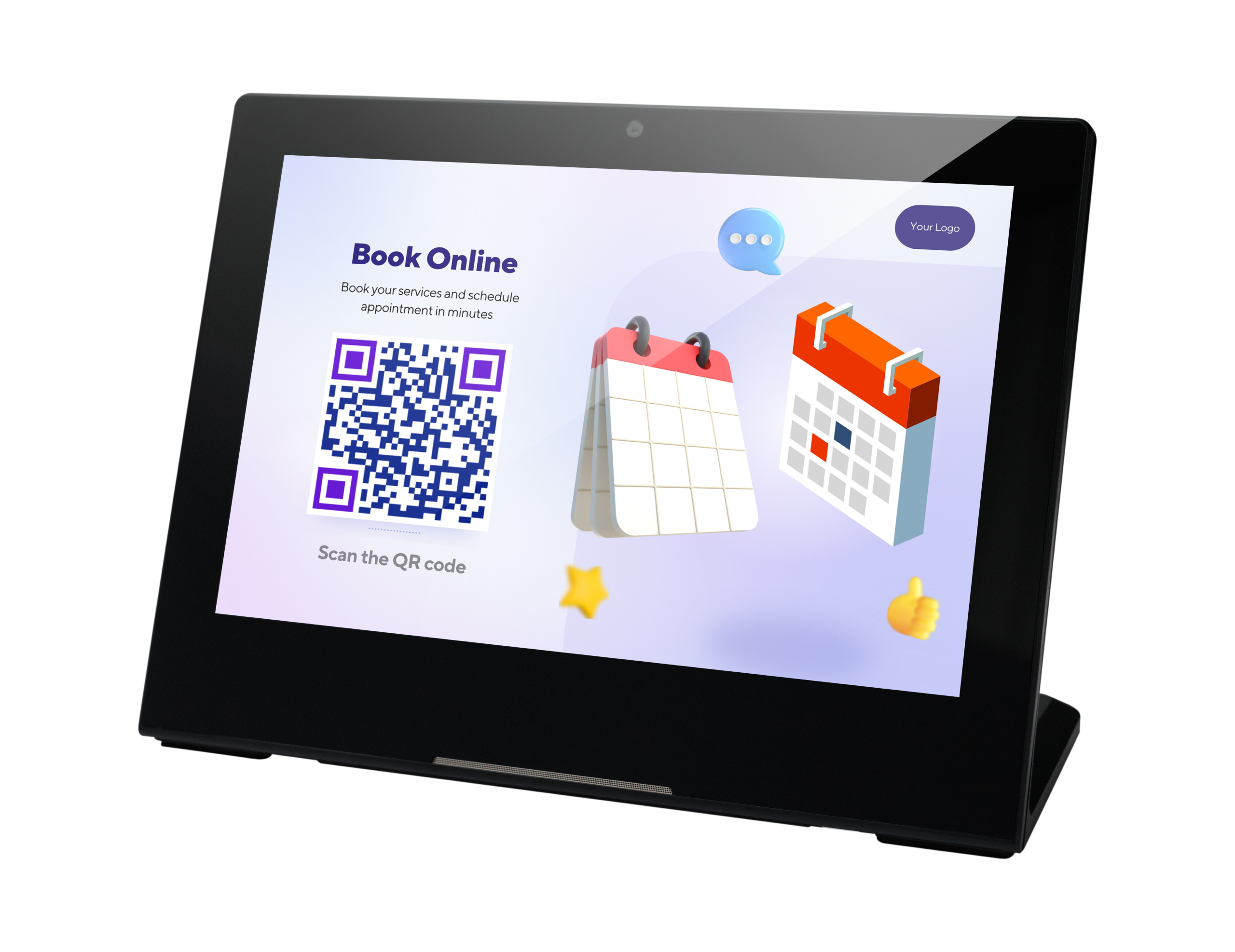
Don’t shy away from third-party services, if you’ve already got them set up and in active use.
You can promote your deals, offers, loyalty program or any other service via Clearline Customer Facing Screen. All it takes it pasting the right link in template setups.
Get the latest insights on in-store marketing, POS integration, and ClearLine updates.